The timer that knows what you were actually doing
A regular pomodoro timer just counts minutes. Polden also sees what you’re doing in those minutes: which app is open, which site. Got distracted? You’ll see it in the evening stats. Stayed focused the whole session? You earn a token to spend guilt-free on your break.
- Completely free
- Works offline
- No account needed
- Everything stays with you
210
guests at the campfire
268
achievements
How it works
What happens in 25 minutes of work
Usually this takes three separate apps: a timer, a time tracker and a blocker. Here they work together. This is what one session looks like.
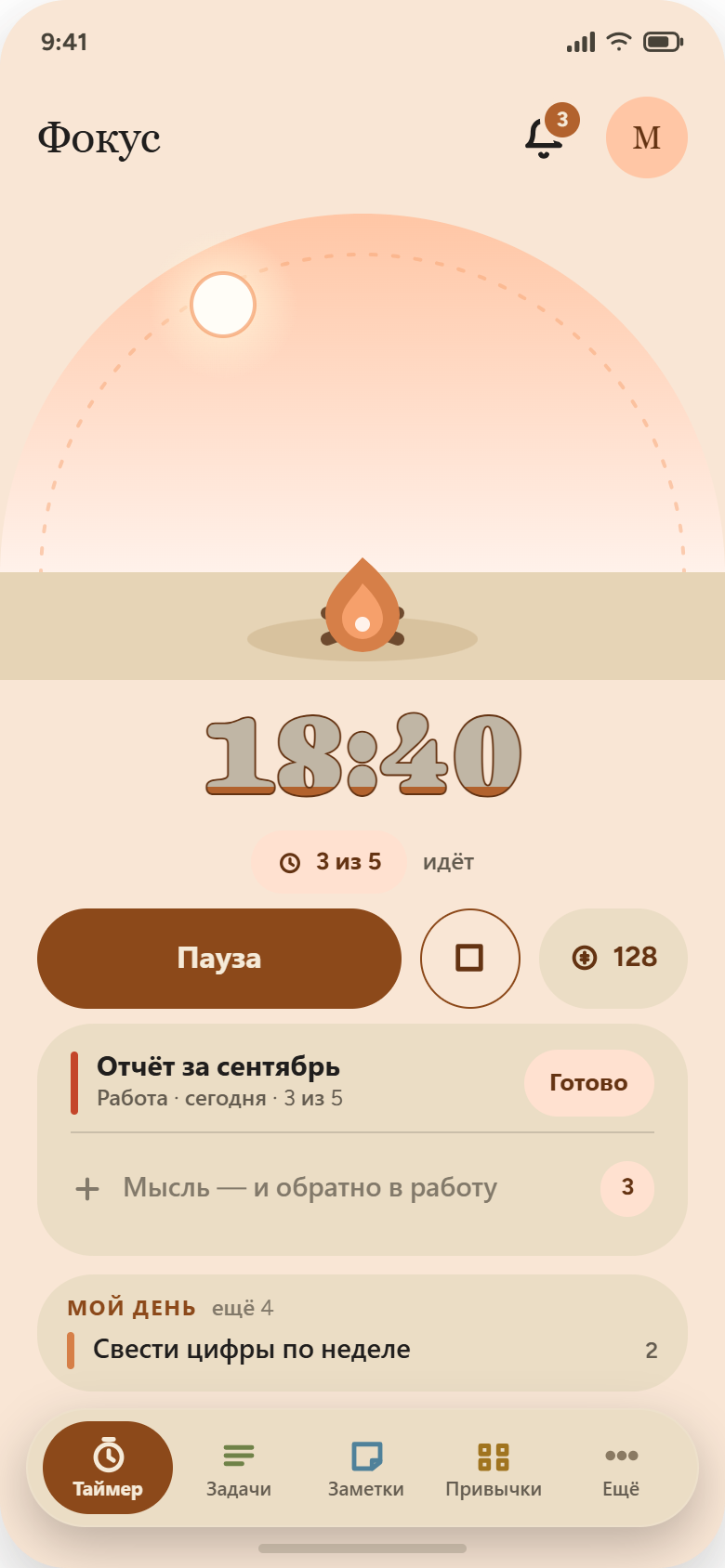
The timer keeps time
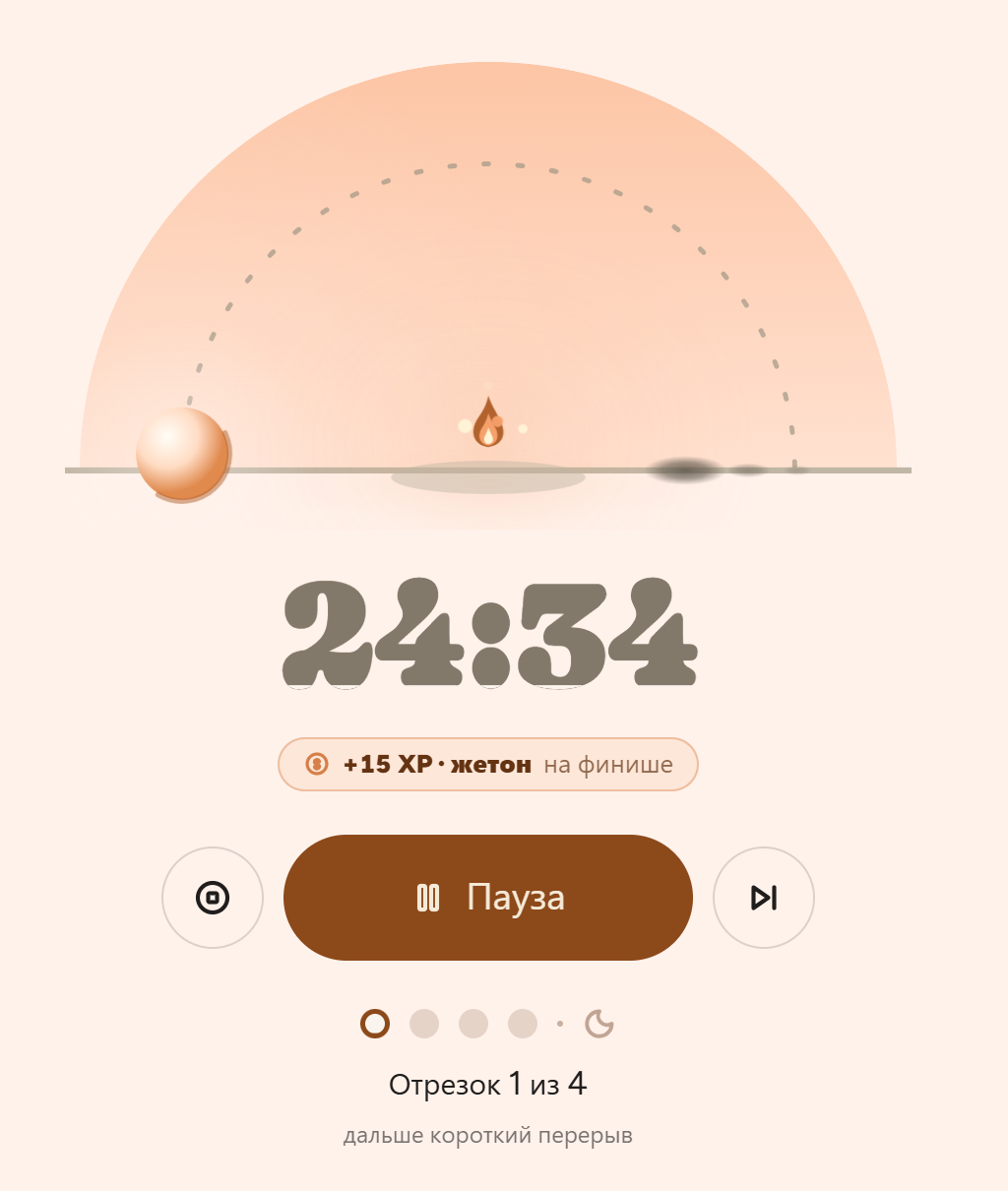
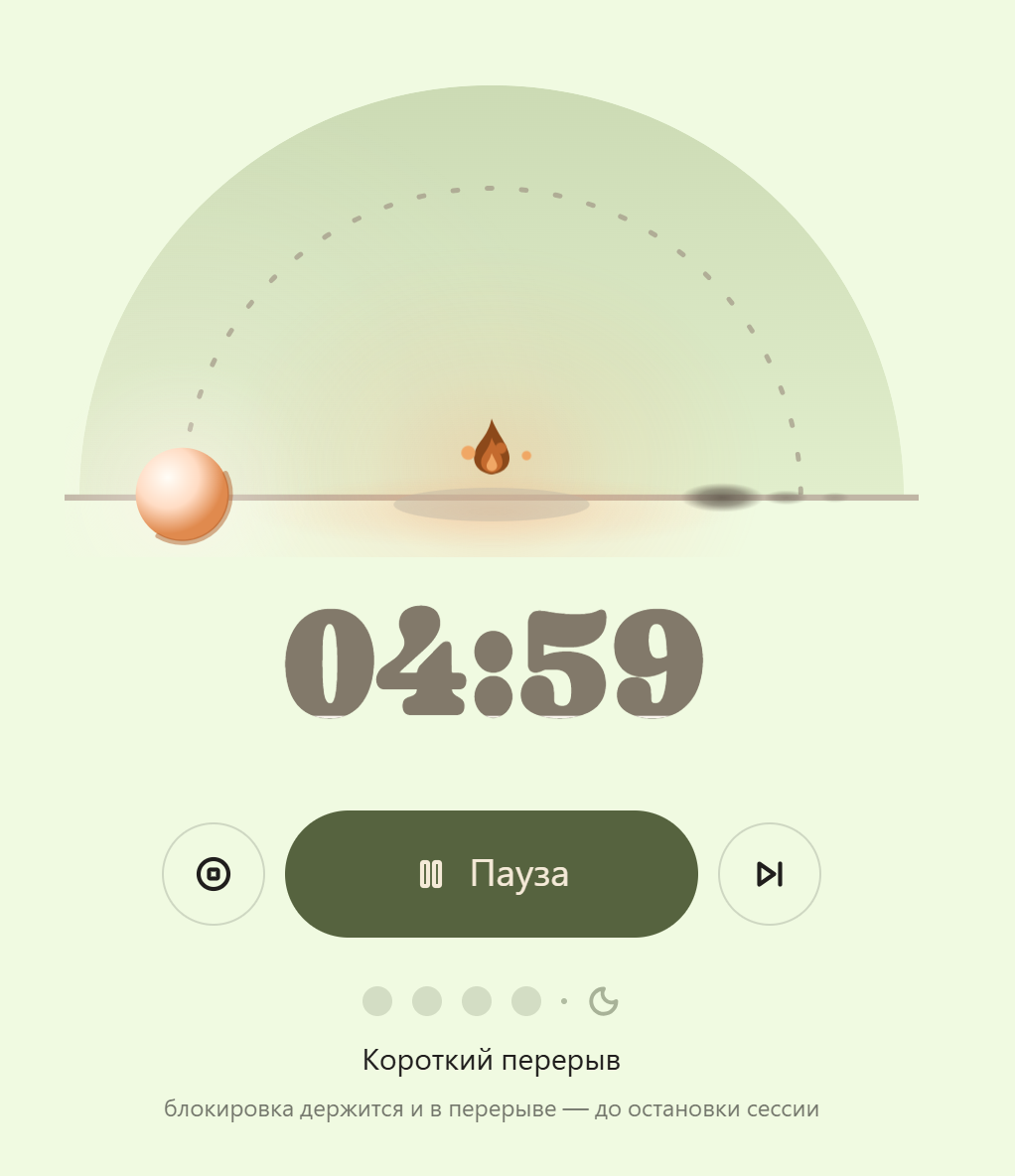
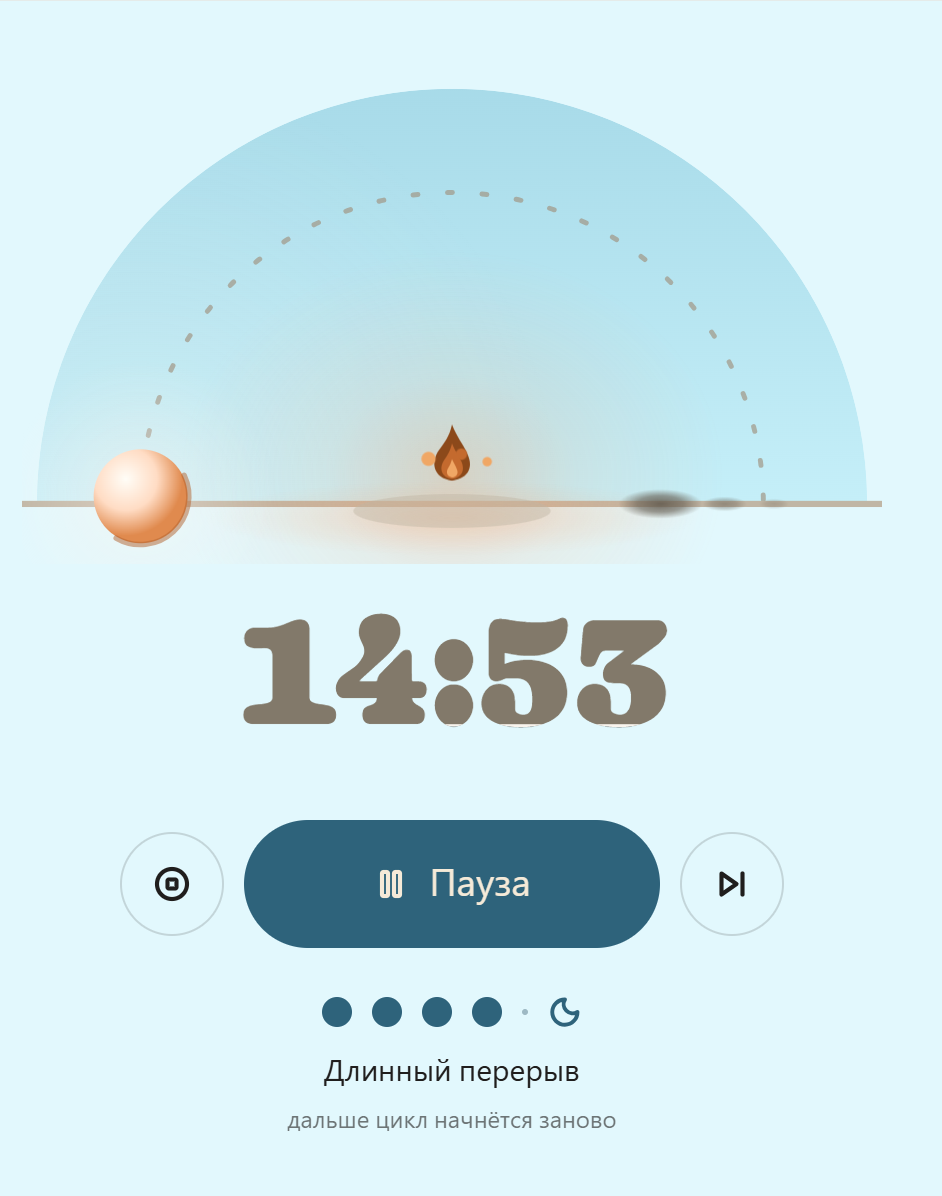
By default it’s 25 minutes of work, 5 minutes of rest, and 15 after every four rounds. You can set anything from one minute to four hours. Each session is tied to a task, and you can switch it along the way.
The app sees what you’re doing
Every second it notes which app and which site are open. It barely takes any space: a whole year of history is a few megabytes.
You decide what counts as work
You make two lists: the sites and the apps you need. Everything else counts as a distraction during the session — breaks included.
Without that YouTube visit, you’d have earned a token. And in the evening it’ll show up in the list of what distracted you most.
Tokens
You can get distracted — for a token
I didn’t want to make an app that punishes you. So getting distracted here isn’t a failure, it’s a purchase. You decide to spend a token, and it’s your conscious choice.
Work without distractions

Make it to the end of the session and you get a token.
Spend it on a break
For that time the site is allowed, and the screen cover won’t appear.
Stats stay honest
That time is marked as paid, not as a slip.
How tokens work
- Only on breaks. You can’t spend a token mid-focus, or it would just be a “give up” button.
- No more than two per break. And none if there’s less than a minute left — no point.
- Tokens don’t expire. Save them up and spend them in the shop: palettes, skies, portraits, streak freezes, doublers.
- Can’t be bought. The only way to get a token is to earn it with a distraction-free session.
Screens
Everything in one window
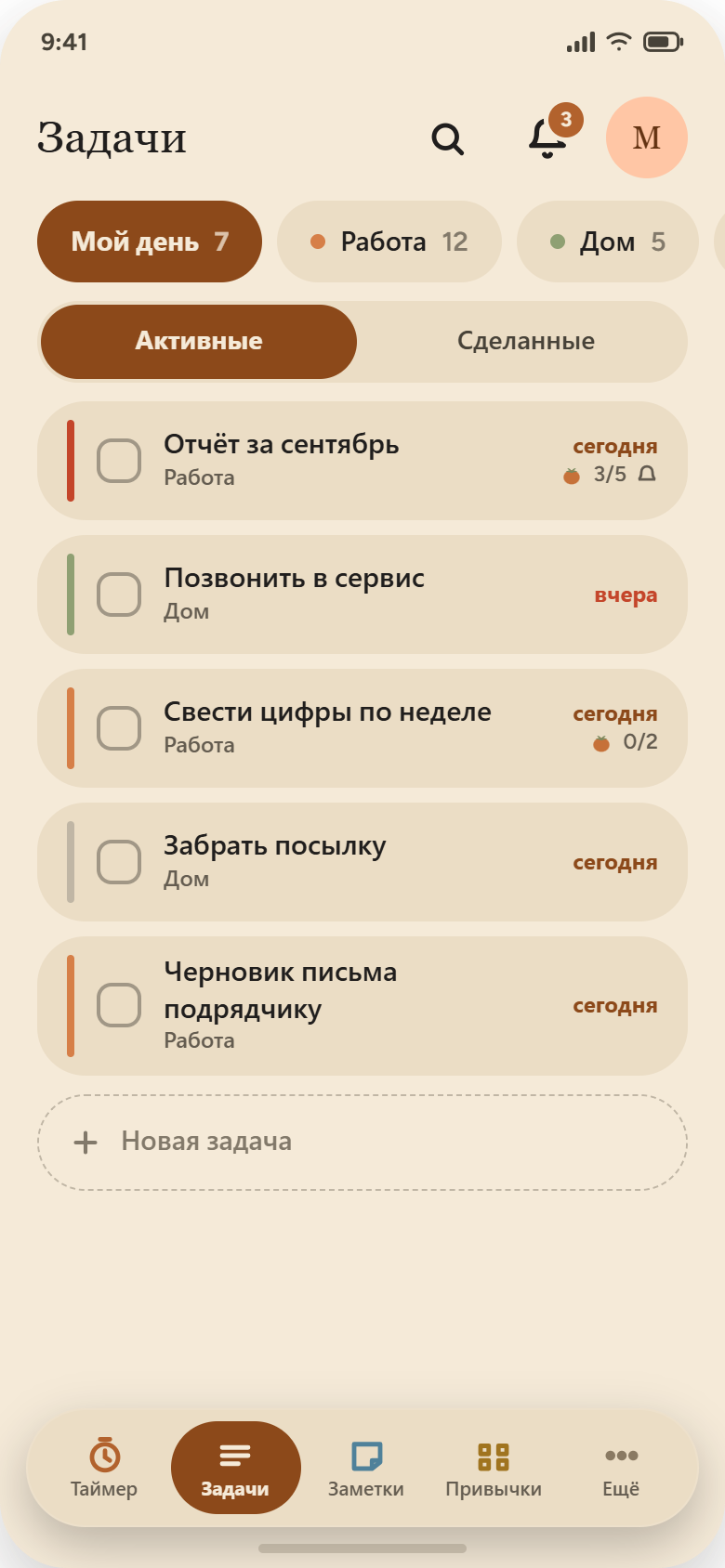
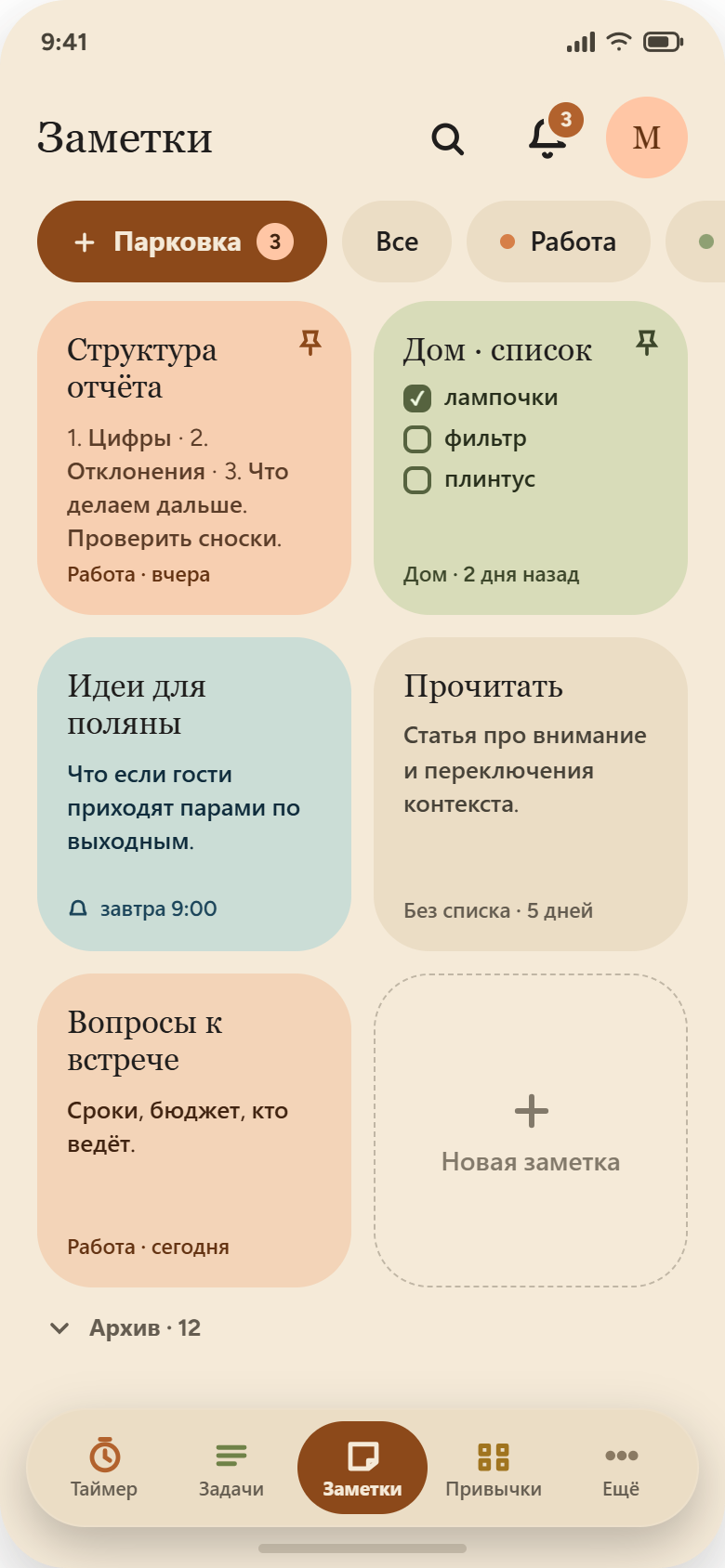
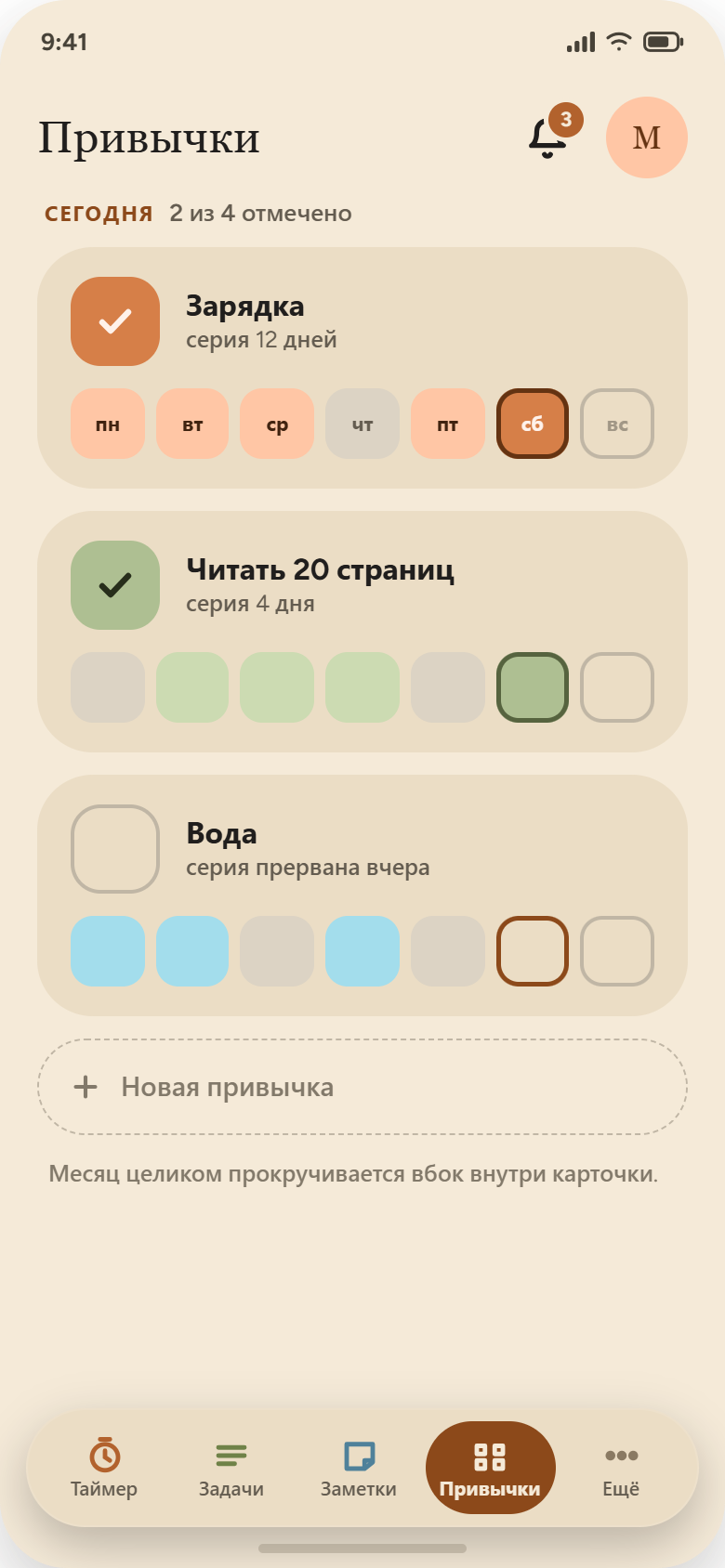
Timer, tasks, notes, habits, meadow and stats. Make the window narrow and the side menu turns into icons. Light and dark themes follow your system.
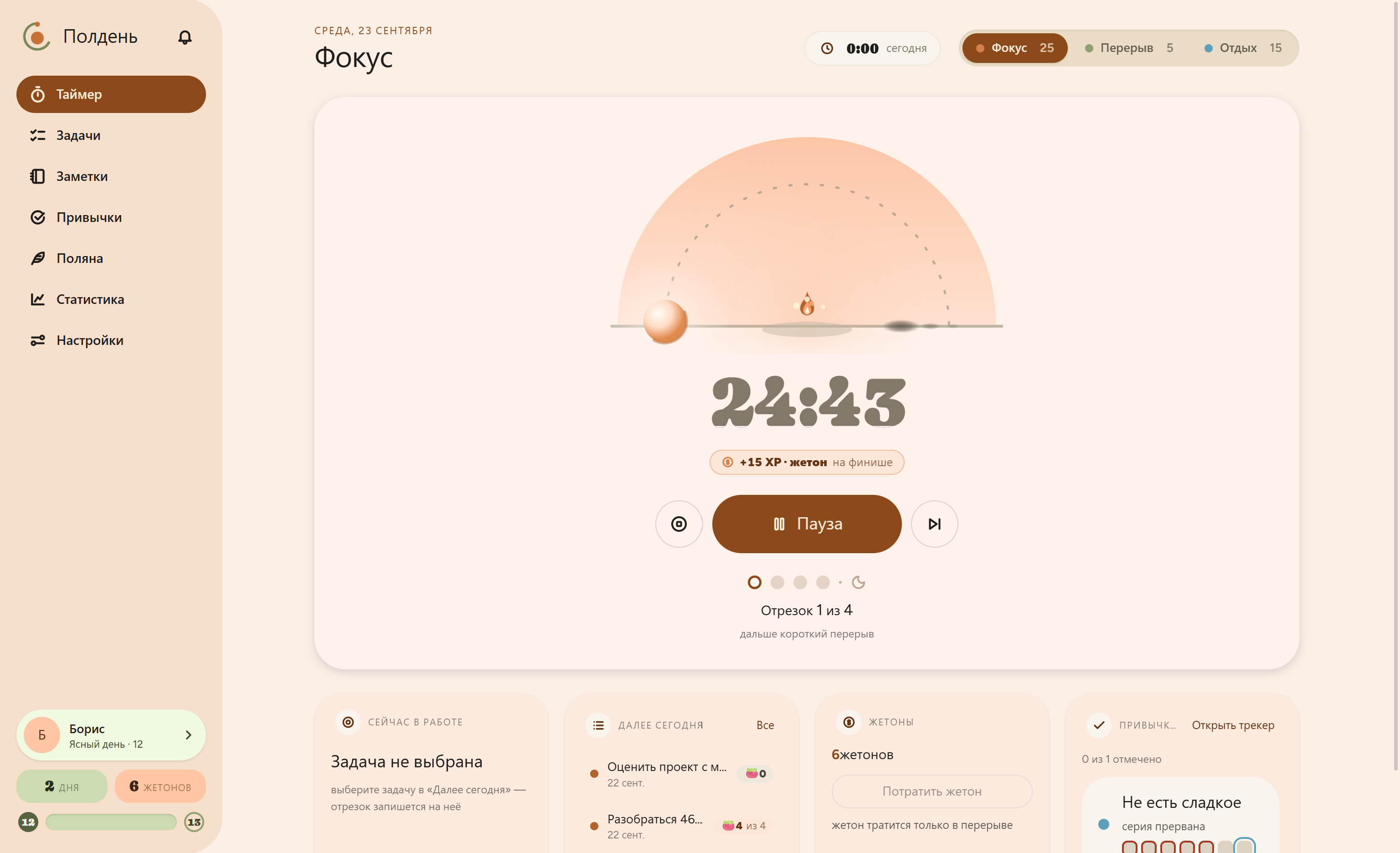
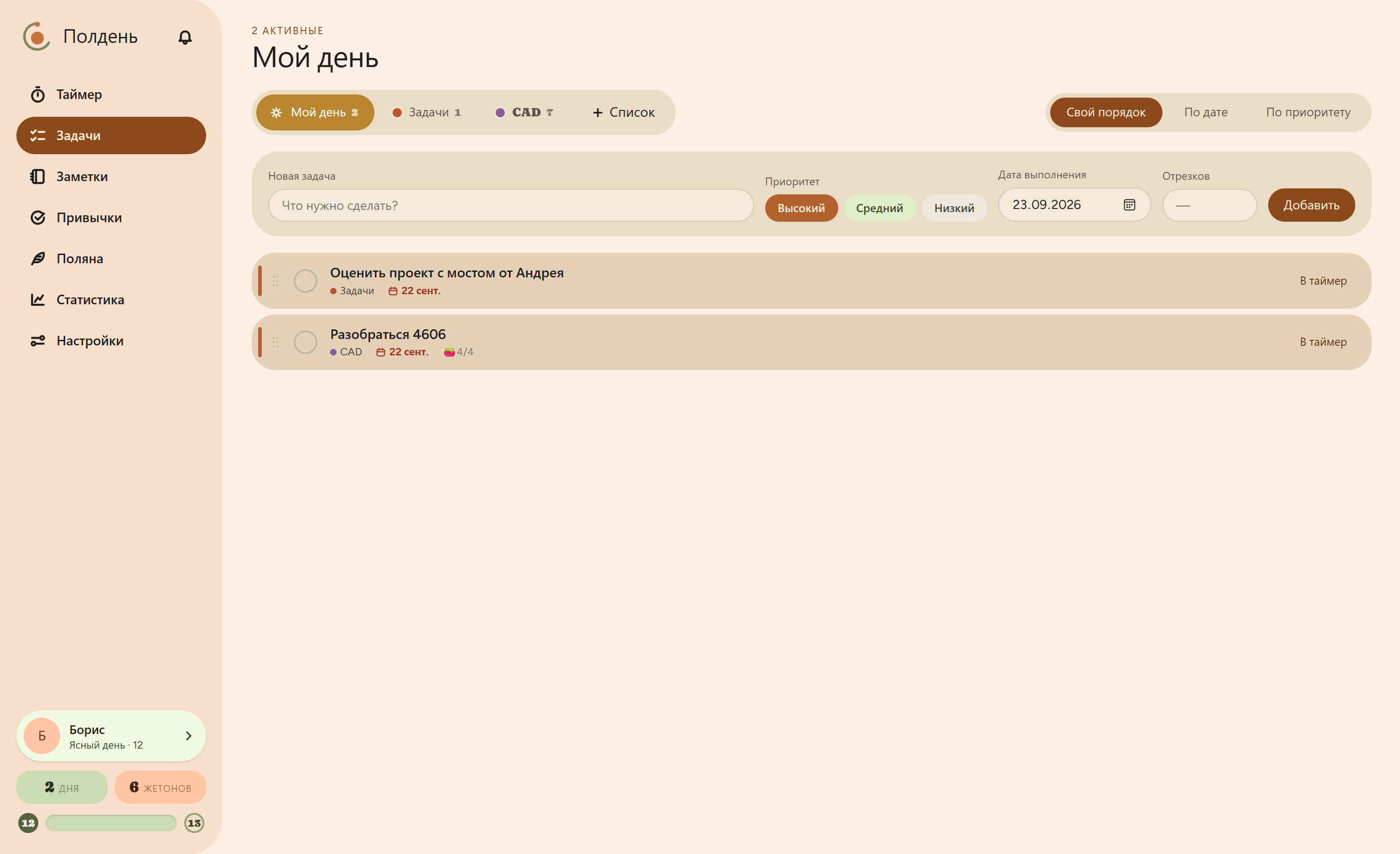
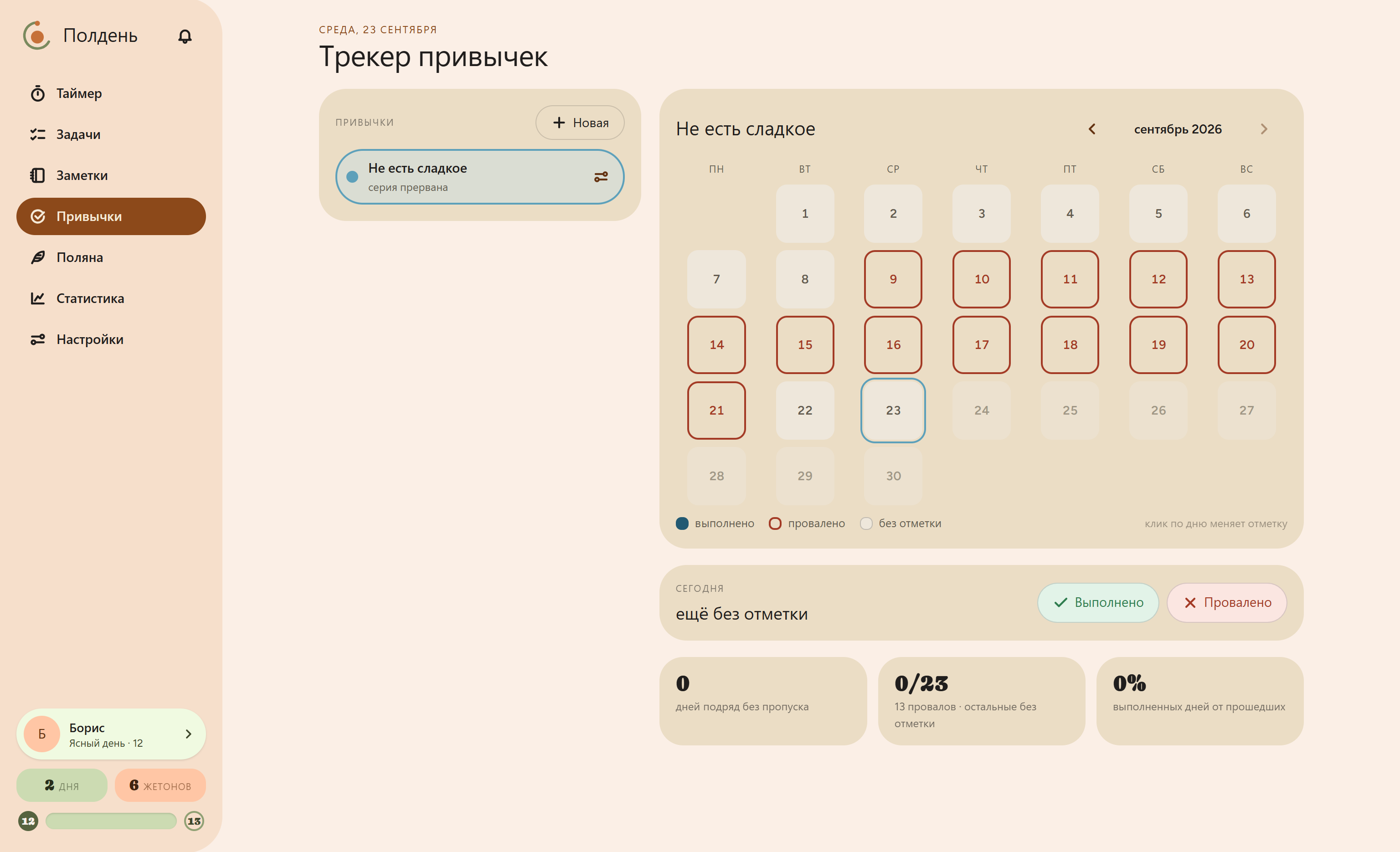
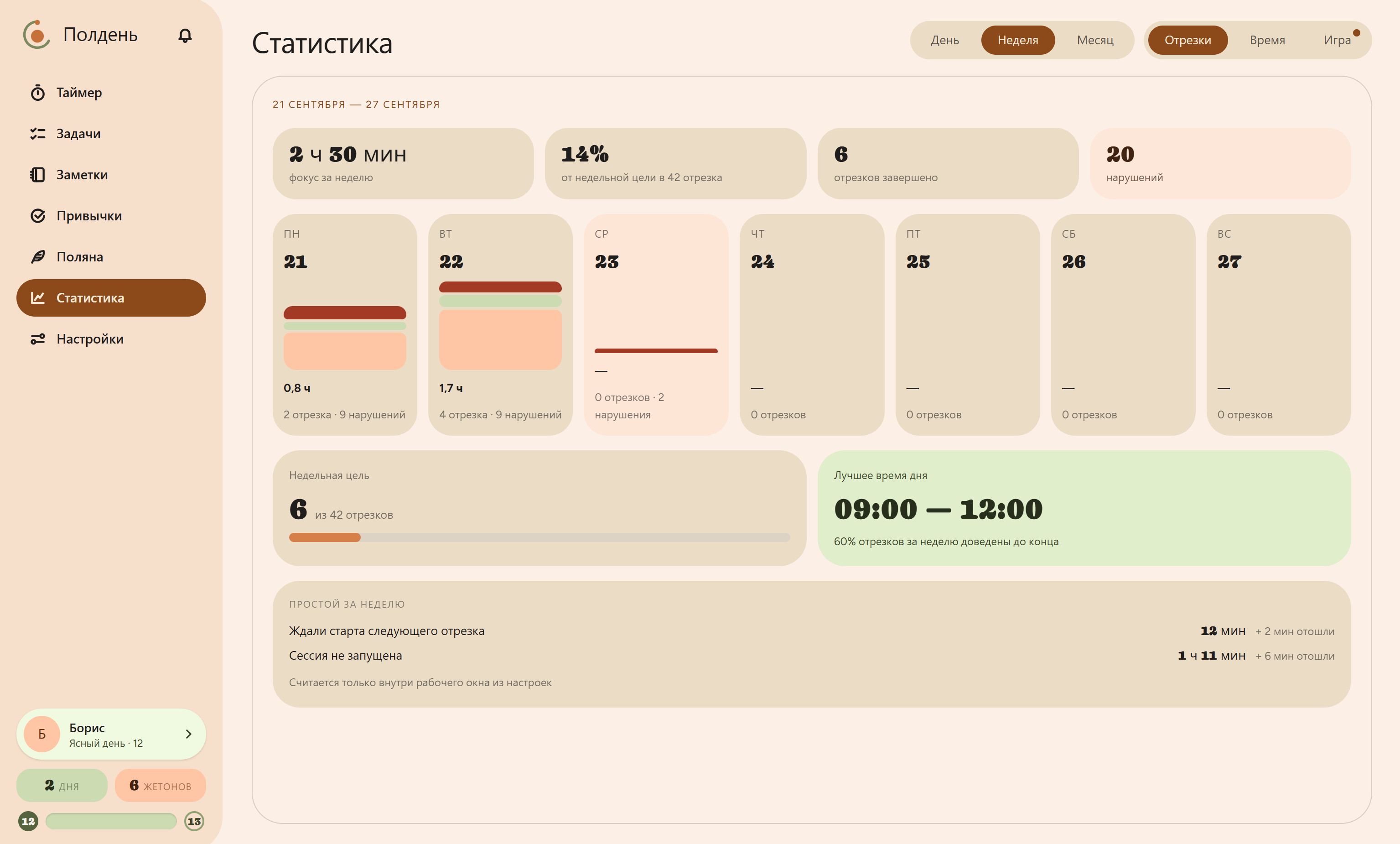
The timer and your whole day at a glance
Current session, task, today’s plan, tokens and habits — all on one screen.
Notes
Jot down a thought without losing focus
Got an idea mid-work? Type it into the line right on the timer and keep going. Sort it out later.
Notifications
They don’t interrupt
Anything non-urgent waits under the bell and shows up only on your break.
Mini widget
A timer on top of every window
A small widget when the window is minimized. The color tells you the phase.
Campfire, guests, meadow
A little game to make you want to come back
Every finished session adds a log to the fire: a spark at the start, a big campfire after four in a row. Abandon a session, hit Stop, or let the computer sleep — and it’s back to a spark.
Spark
session started
Log
session complete
Big campfire
four in a row
Embers
break or interruption
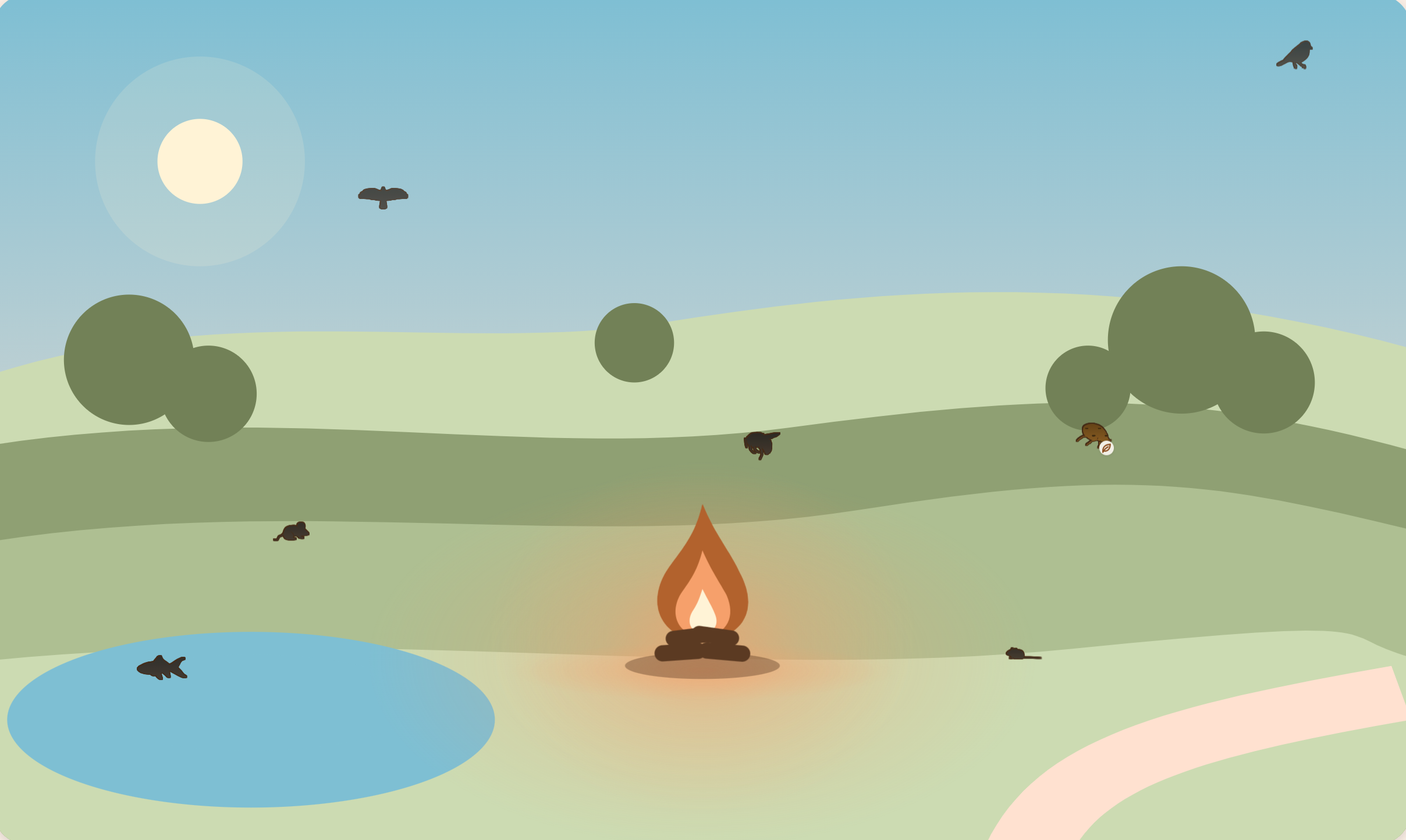
Eleven of 210 — just like in the app











210 species, seven looks each
Animals and birds of temperate and northern forests, plus six from folklore. Each changes with the season and time of day, and tells you a fun fact when you first meet.
The meadow they live in
Birds in the sky, fish in the lake, insects over the grass. At night only the campfire glows. Where everyone lives is random — your meadow is unlike anyone else’s.
Levels don’t lock anything
A counter of how far you’ve come, with a title — from “Dawn” to “New Dawn”. Every feature is available from day one; for fun there’s a daily bet, quests and a shelf of rewards.
Platforms
Windows is ready, Android is catching up
Windows 10 and 11
Everything described above: timer, distraction tracking, blocking, stats and the game. Installs with a regular installer, lives in the tray and updates itself. Updates are signed, so nobody can swap them out.
Download MSIAndroid
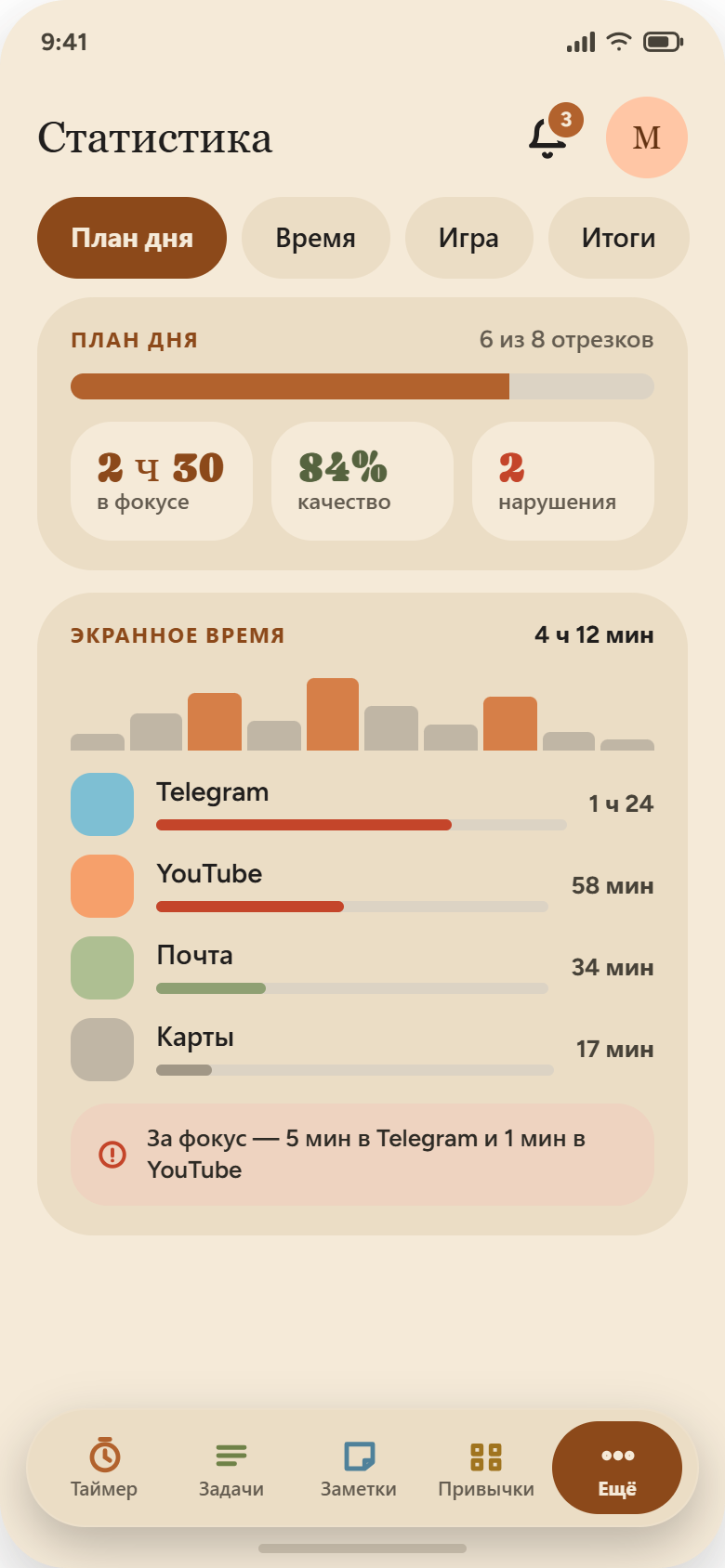
Timer, tasks, notes, habits, stats with screen time, the game and notifications. Distracting apps are marked with a toggle. Sign in with the same account as on your computer and your data syncs.
Download APKiOS and macOS
Working on it. Tasks, notes and stats will come first — same as with Android.
Straight answers
What people usually ask
Free now, paid later?
There’s nothing to charge for: everything that matters runs on your computer. And even if I ever abandon the project, the version you downloaded will keep working.
Is the app spying on me? Where does my data go?
Nowhere. The app looks at open windows only for your own stats. Without sync, nothing goes online. For sites it saves only the address, like youtube.com. Everything lives in a file on your computer, and only you have access to it.
Another pomodoro timer. Why?
Timers, trackers and blockers all exist separately. I wanted them to work together. Then in the evening you see not just “worked 6 hours”, but “four clean sessions, and Telegram ate two — twenty minutes each, around 4 pm”.
Isn’t the blocking easy to get around?
Yes, and that’s on purpose. The blocking is soft: a screen cover and an entry in your stats. The app doesn’t dig into your system, installs no drivers, and you can close it any time. People get around hard blocks anyway — an honest number in your stats works better, I think.
Do I need an account?
No. Tap “Skip” on the profile screen and everything is available. You only need an account to sync your computer and phone.
Could my antivirus complain?
It might. The app watches the active window and shows a cover over other windows — antivirus tools don’t like that until a program has a paid developer signature. Updates are still signed, and the installer won’t install someone else’s file.